1.3.3. Using PyROOT
When the environment variables for Uranie and PyROOT are properly set, we can access to the classes as follows:
# Load the ROOT module
import ROOT

# Create a new data server object
tds = ROOT.URANIE.DataServer.TDataServer("myTDS", "DataServer for python example")

# Add an attribute to the data server
tds.addAttribute(ROOT.URANIE.DataServer.TNormalDistribution("x", 0.0, 1.0))

# Create a sampler object
sampler = ROOT.URANIE.Sampler.TSampling(tds, "lhs", 1000)

# Generate data
sampler.generateSample()

# Display the histogram of attribute x
tds.draw("x")
This code should produce a graphic as the one displayed in Histogram produced using PyROOT
Figure 1.2 Histogram produced using PyROOT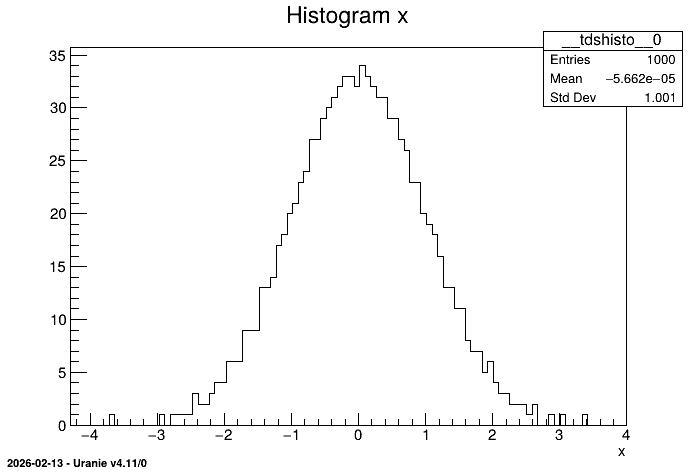
The instructions above can be executed either through the Python command line, or be written in a file (myscript.py in the example below) and run using the command:
python -i myscript.py
The -i option allows to stay in the Python environment at the end of the execution. This prevents the produced image to be automatically closed.